
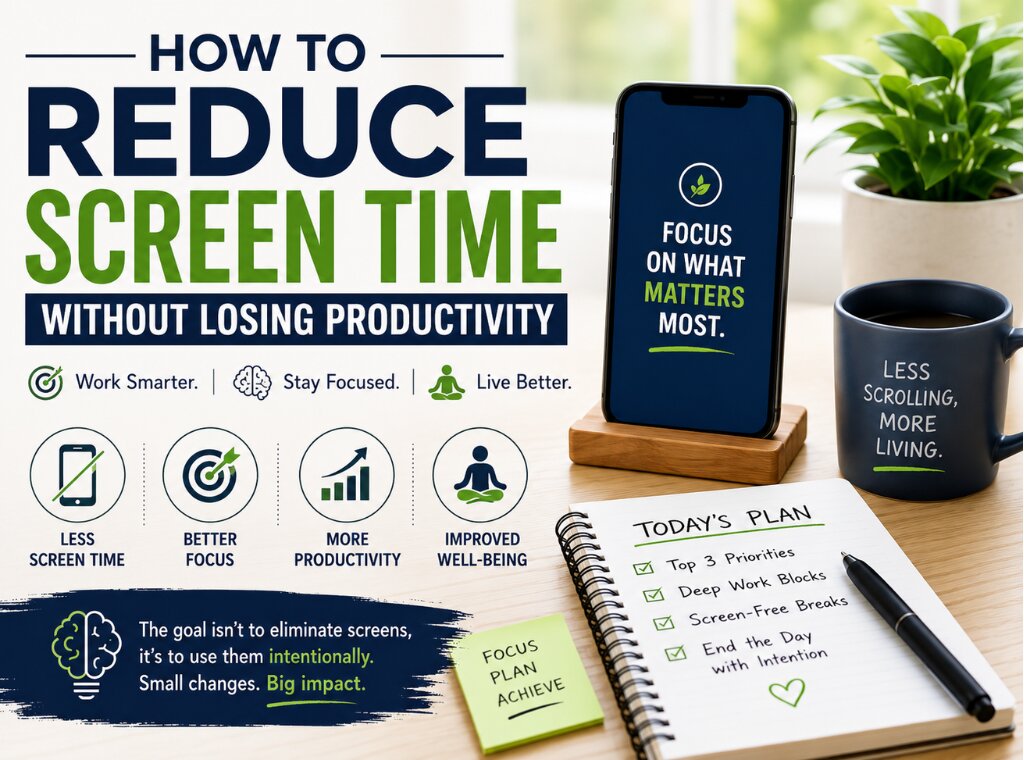
Have you ever reached the end of your workday feeling exhausted, even though you barely moved from your chair? The surprising part is that the problem may not be your workload—it could be your screen time. Many people assume that spending more hours in front of a screen automatically means getting more work done. However, that isn’t always true.
If you’re searching for ways to improve Reduce Screen Time Productivity, you’re already taking the first step toward working smarter instead of longer. By making a few intentional changes, you can complete your tasks efficiently while protecting your health, improving your focus, and creating more time for what truly matters.
Why Excessive Screen Time Reduces Productivity
Technology has transformed the way we work. Emails, meetings, reports, and collaboration all happen through digital devices. Nevertheless, continuous screen exposure often creates hidden productivity problems.
Long hours on screens can lead to:
- Digital eye strain
- Mental fatigue
- Reduced concentration
- Frequent distractions
- Poor posture
- Lower creativity
- Sleep disturbances
Consequently, working longer doesn’t necessarily produce better results.
Signs You're Spending Too Much Time on Screens
Many people underestimate their daily screen usage. If any of these situations sound familiar, it may be time to make a change.
You Check Your Phone Constantly
Even without notifications, you instinctively unlock your phone several times every hour.
Your Eyes Feel Tired
Dry eyes, blurred vision, or headaches often indicate excessive screen exposure.
You Struggle to Stay Focused
Switching between emails, messaging apps, and social media fragments your attention.
You Feel Mentally Drained
Although your body hasn’t done much physical work, your brain feels exhausted by the end of the day.
Your Sleep Quality Has Declined
Using screens late into the evening can interfere with your body’s natural sleep cycle.
Why Less Screen Time Can Actually Improve Productivity
Many people worry that reducing screen time will make them less productive. In reality, the opposite often happens.
When unnecessary screen use decreases:
- Focus improves.
- Decision-making becomes easier.
- Creativity increases.
- Stress levels decline.
- Energy lasts longer throughout the day.
Therefore, Reduce Screen Time Productivity isn’t about avoiding technology. Instead, it’s about using technology intentionally.
Practical Ways to Reduce Screen Time Without Losing Productivity
1. Identify Where Your Screen Time Goes
Before making changes, understand your current habits.
Review your phone or computer’s screen time report to identify:
Social media usage
Messaging apps
Entertainment
Work-related applications
Once you know where your time goes, making improvements becomes much easier.
2. Follow the 20-20-20 Rule
Eye specialists often recommend this simple habit.
Every 20 minutes:
Look at something 20 feet away.
Keep looking for at least 20 seconds.
As a result, your eyes receive regular relaxation without interrupting productivity.
3. Turn Off Non-Essential Notifications
Every notification interrupts your concentration.
Disable alerts for:
Shopping apps
Social media
Promotional emails
News updates
Instead, keep only essential work notifications active.
4. Batch Similar Tasks Together
Rather than checking emails throughout the day, schedule dedicated email sessions.
For example:
Morning
Afternoon
Before finishing work
This approach minimizes constant context switching.
5. Use Paper When Possible
Not everything needs to happen digitally.
Consider using:
Printed reading material
Notebooks
Sticky notes
Daily planners
Whiteboards
Writing by hand also improves memory retention for many people.
6. Schedule Screen-Free Breaks
Avoid spending every break scrolling through your phone.
Instead:
Walk around
Stretch
Drink water
Practice deep breathing
Look outside
Even five minutes away from screens refreshes your mind.
7. Keep Your Phone Out of Reach
If your phone stays beside your keyboard, you’re more likely to check it repeatedly.
Place it:
Inside a drawer
Across the room
Face down
On silent mode
This simple adjustment significantly reduces unnecessary interruptions.
8. Use Focus Modes
Most smartphones and computers now include built-in focus settings.
These features help by:
Blocking distractions
Limiting notifications
Hiding unnecessary apps
Creating dedicated work periods
Consequently, you spend less time switching between tasks.
9. Set Time Limits for Social Media
Social media often consumes far more time than people realize.
Set daily limits for entertainment apps.
Many devices now automatically notify you when you’ve reached your limit.
10. End Your Day Without Screens
Avoid screens for at least 30–60 minutes before bedtime.
Instead:
Read a book
Journal
Plan tomorrow
Listen to calming music
Practice meditation
This habit improves sleep quality and prepares your brain for the following day.
Build Better Digital Habits
Reducing screen time isn’t about making dramatic changes overnight.
Instead, focus on small improvements.
For example:
- One screen-free meal daily
- Walking without your phone
- Reading a physical book
- Planning your day on paper
- Keeping devices outside the bedroom
These simple habits become easier to maintain over time.
Common Mistakes to Avoid
Many people unintentionally replace one screen with another.
Avoid these common pitfalls:
- Watching television instead of using your phone for hours
- Constantly checking productivity apps
- Working without taking breaks
- Sleeping beside your phone
- Keeping multiple screens active simultaneously
Remember, balance matters more than perfection.
How The Life TrackR Can Help
Building healthier digital habits becomes much easier when you track your daily routines consistently.
The Life TrackR helps you monitor productive habits, improve focus, and create routines that encourage intentional technology use. Instead of feeling controlled by your devices, you gain greater awareness of how you spend your time and where meaningful improvements can be made.
Small daily changes, when tracked consistently, often lead to remarkable long-term results.
Conclusion
Technology is an essential part of modern life, but more screen time doesn’t always mean better productivity. In fact, excessive digital exposure often reduces focus, increases stress, and drains your energy. By adopting practical habits like minimizing distractions, scheduling screen-free breaks, and using devices more intentionally, you can improve Reduce Screen Time Productivity while also protecting your physical and mental well-being.
The goal isn’t to eliminate technology—it’s to make it work for you. With consistent habits and support from The Life TrackR, you’ll discover that spending less time on screens can actually help you accomplish more, feel healthier, and enjoy a better balance between work and life.
#ReduceScreenTime #Productivity #DigitalWellness #TheLifeTrackR #HealthyHabits #FocusBetter #WorkLifeBalance #TimeManagement #DigitalDetox #MindfulTechnology #ScreenTimeAwareness #PersonalGrowth #SelfImprovement #HealthyLifestyle #BetterHabits #WorkSmart #DailyProductivity #LifeBalance #FocusAndFlow #Wellbeing.
Editor’s Note: This article was originally published here: https://thelifetrackr.com/how-to-reduce-screen-time-without-losing-productivity/ by @Kairav and @krutika